
Showing posts with label tutorial. Show all posts
Showing posts with label tutorial. Show all posts

Photoshop is the top software of choice for millions of artists worldwide. You can do wonders while using the advanced toolkit and settings. Whether you simply want to edit a picture from your new photoshoot or you are a creative photographer/web designers, there are so many things that you can achieve using this program. We have decided to discover the endless possibilities of the software in a series of 100 free Photoshop video tutorials.
100 Free Photoshop Video Tutorials
100 Free Photoshop Video Tutorials
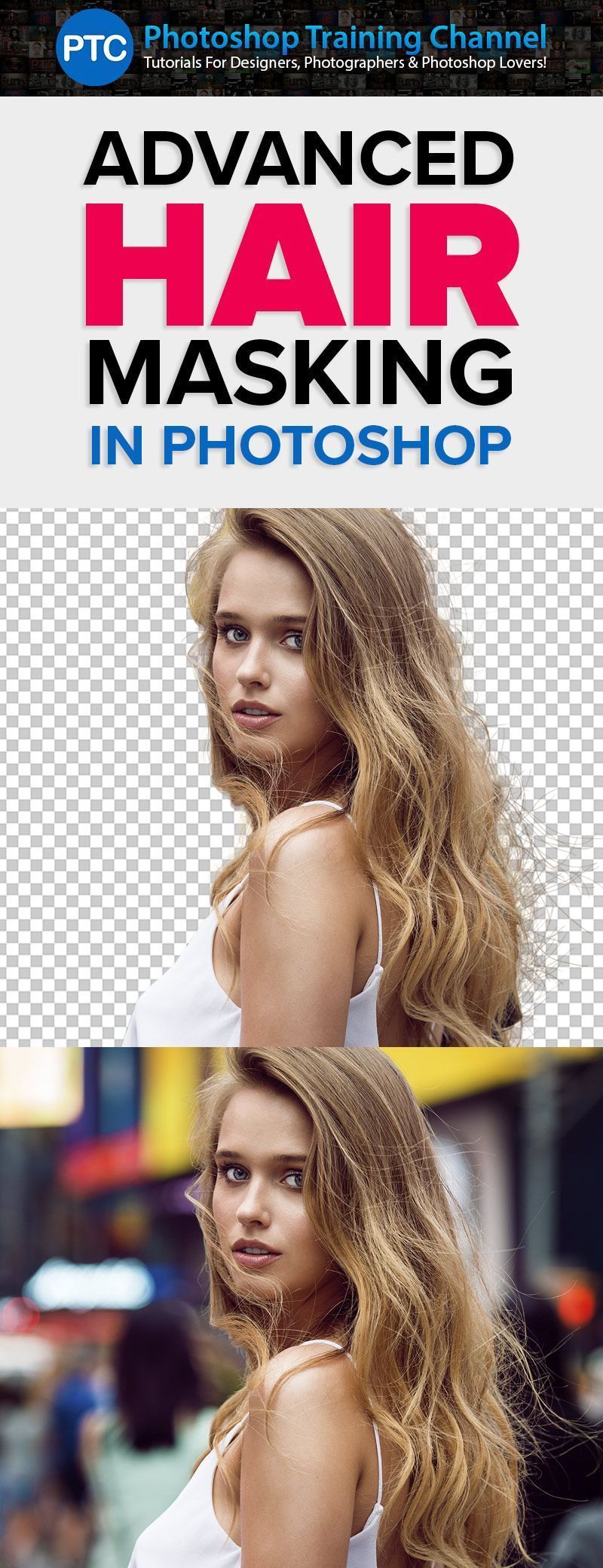
In this Photoshop tutorial, you will learn how to mask hair from complicated backgrounds.
We will start with a quick crash course on layer masks and the select and mask workspace.
Then we will use an image with a solid background to learn the basics. Then we will work on a photo with a busy background, and you will learn the things that you can do when masking with a photo like this.
You will also learn how to create brushes in Photoshop to help you recreate hair when you simply cannot extract it from its background.
ADVANCED Hair Masking In Photoshop – Mask Hair With BUSY Backgrounds
ADVANCED Hair Masking In Photoshop – Mask Hair With BUSY Backgrounds
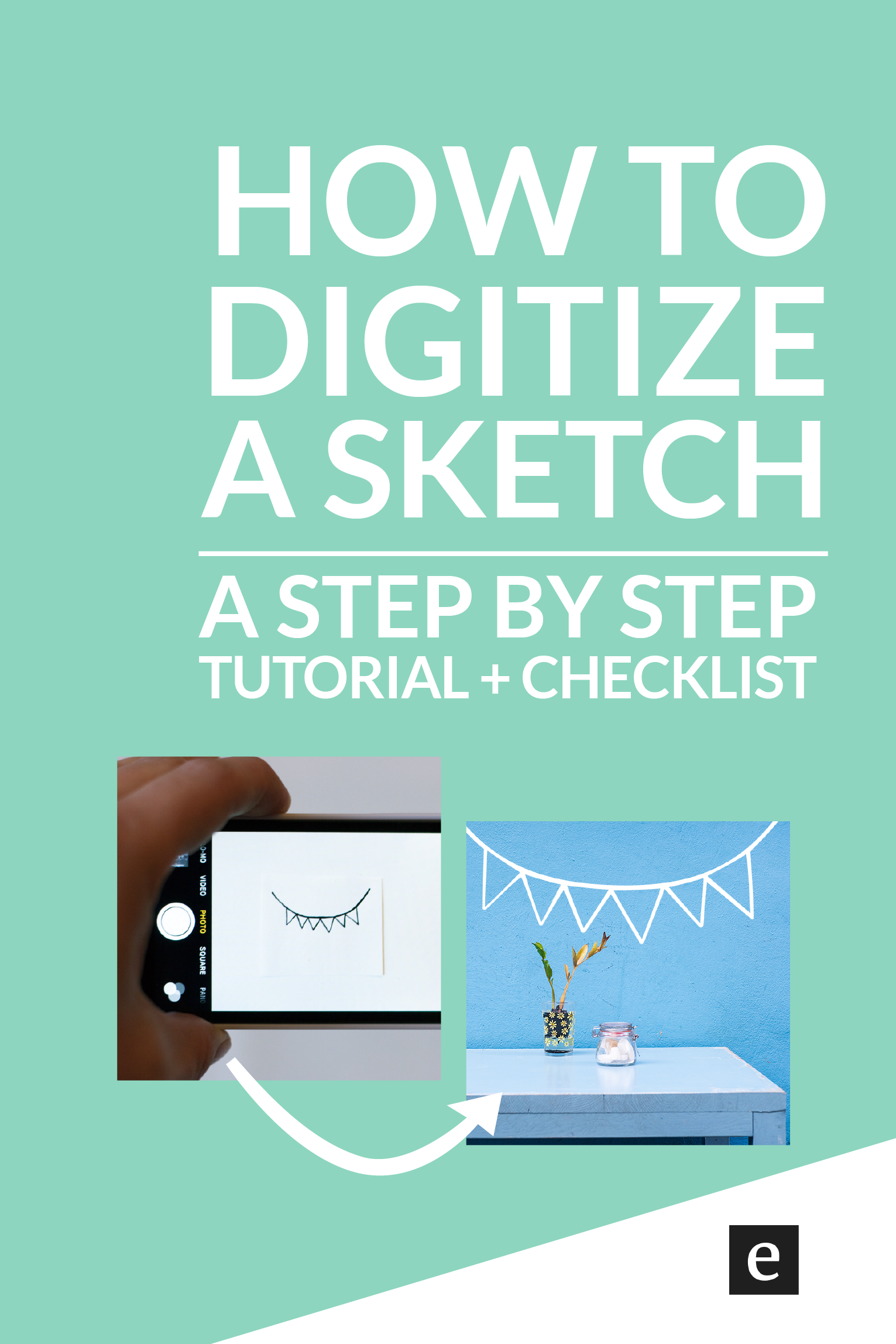
. This tutorial for turning a sketch into digital art requires only a paper sketch, a camera (your phone will do), and a copy of Adobe Illustrator. You can download a free trial here or sign up for Creative Cloud. Although it will be helpful if you have a basic understanding of Illustrator for this DIY, it’s not strictly necessary.
How To Turn A Sketch Into Digital Art
How To Turn A Sketch Into Digital Art

Subscribe to:
Posts
(
Atom
)